Admin list
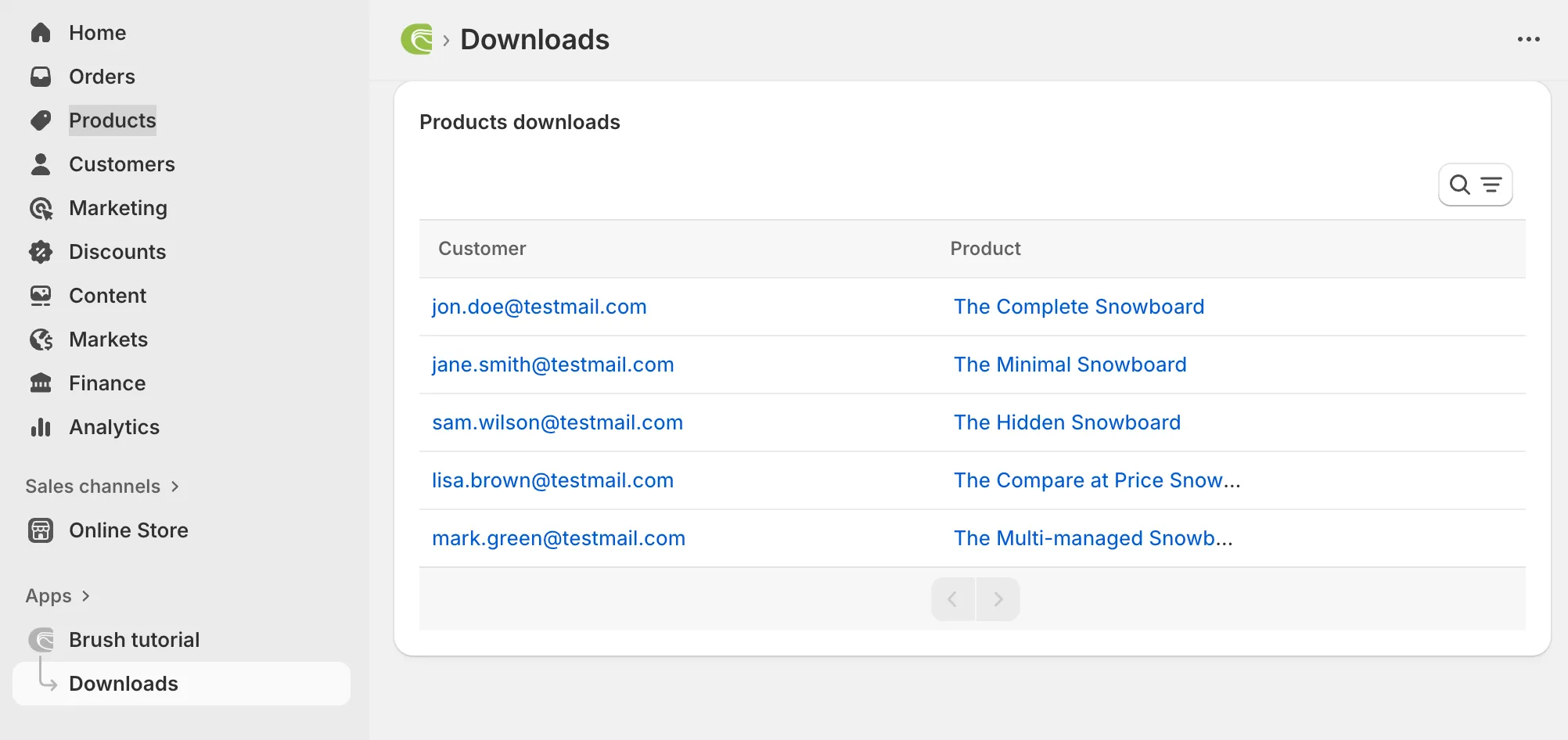
Let’s now list all the downloads in the Shopify admin. For this, we use Gadget’s <AutoTable /> component.
Backend code update
Section titled “Backend code update”New and updated Gadget models
Section titled “New and updated Gadget models”The changes include adding a new download model with its associated permissions, schema and actions files.
This new download model requires Shopify products and customers information, hence the addition of the shopifyProduct and shopifyCustomer models.
The new and updated models files are:
accessControl/filters/shopify/shopifyCustomer.gellyaccessControl/filters/shopify/shopifyProduct.gellyaccessControl/permissions.gadget.tsapi/models/download/actions/create.tsapi/models/download/actions/delete.tsapi/models/download/actions/update.tsapi/models/download/schema.gadget.tsapi/models/shopifyCustomer/actions/create.tsapi/models/shopifyCustomer/actions/delete.tsapi/models/shopifyCustomer/actions/update.tsapi/models/shopifyCustomer/schema.gadget.tsapi/models/shopifyProduct/actions/create.tsapi/models/shopifyProduct/actions/delete.tsapi/models/shopifyProduct/actions/update.tsapi/models/shopifyProduct/schema.gadget.tsapi/models/shopifyShop/schema.gadget.tsDownload route update
Section titled “Download route update”The file: api/routes/brush/product-download/GET-[id].ts now saves all download requests from the Shopify frontend as a new entry in the download model.
The Shopify admin page
Section titled “The Shopify admin page”- First, we add the Polaris web components to the admin.
See changes in
web/root.tsx. - We also add a new entry to the Shopify’s navigation menu as done in
web/components/NavMenu.tsx. - This new menu entry targets the new page listing all downloads. See
web/routes/_app.downloads.tsxwhich, among other things, uses the<AutoTable />component.
Protected customer data access
Section titled “Protected customer data access”As we need to use some customer-related data, we must comply to Shopify’s “Protected customer data access” process. So please make sure to update those on your Shopify app.
See how to Work with protected customer data.
Gadget sync
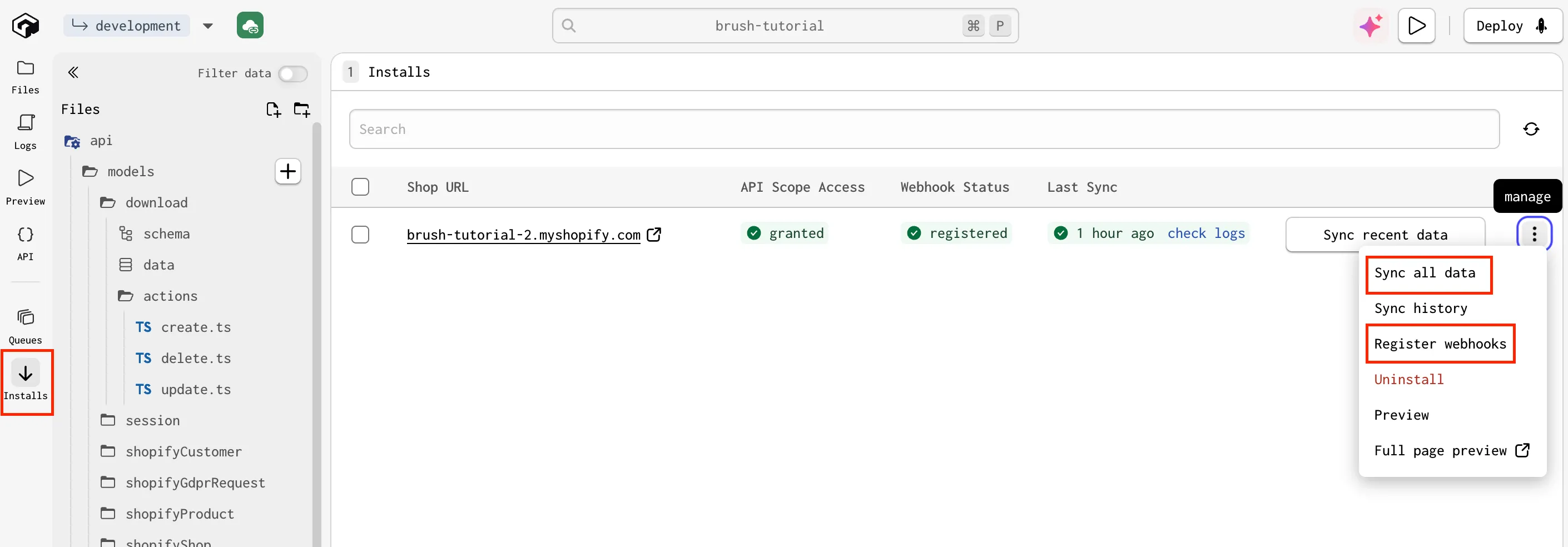
Section titled “Gadget sync”Please also make sure to sync your Gadget install so that all webhooks and data are synchronized.